Jobs, Visits & Invoices

From first enquiry to finished job and invoice.

On Complete Operations, a won enquiry becomes a job with its own stages. Engineers see the day's visits on their phone and record the outcome. Customers follow their job on their own page. When the work is done, invoice it and see what has been paid.

Complete Operations only, £329 a month.

The problem

Where the work gets messy after the yes

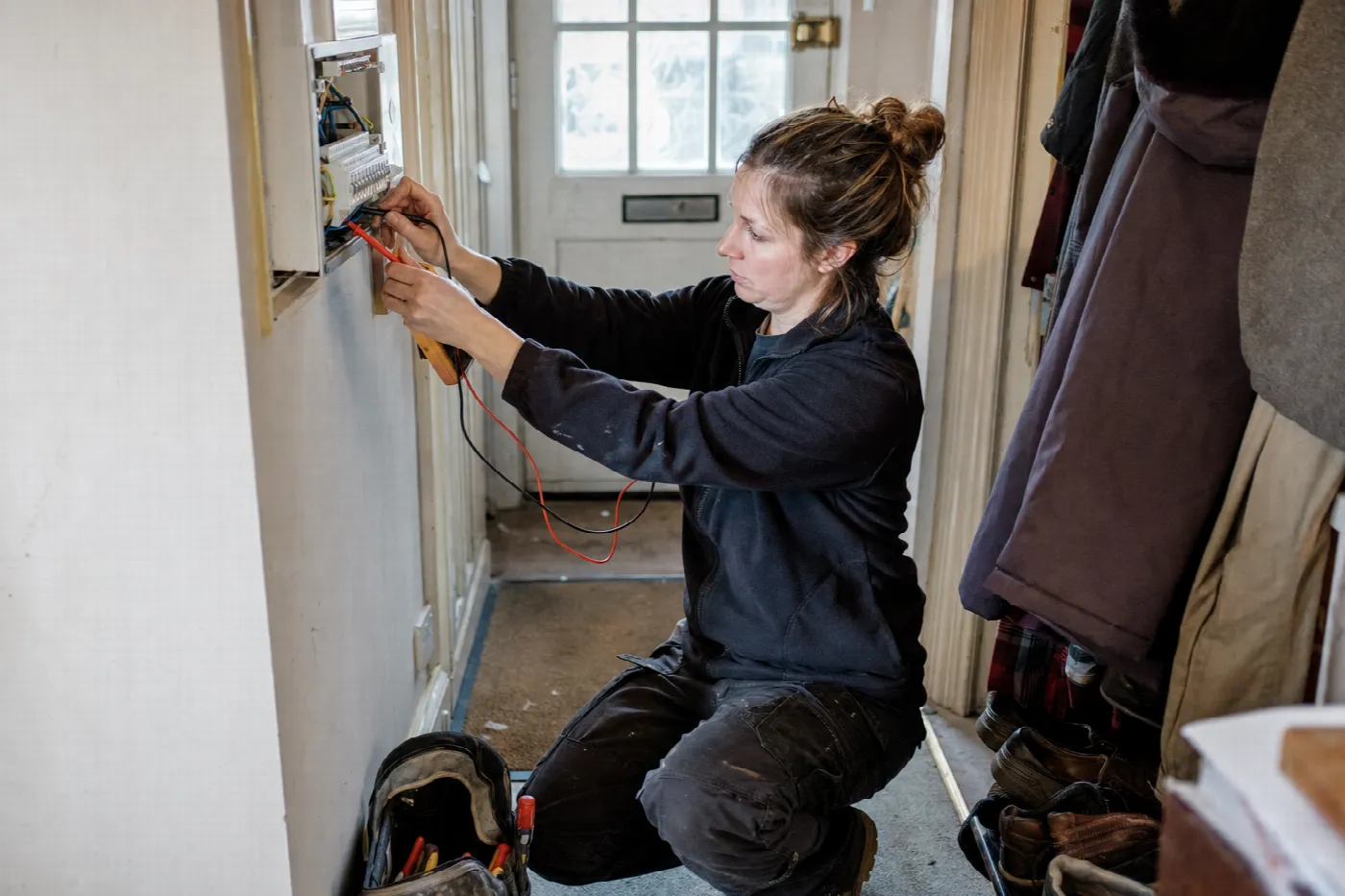
Two electricians loading their van in the morning, one checking the day's visits
  1. The job starts from scratch

    The details from the enquiry and quote are typed out again for the team.

  2. Engineers out of the loop

    The day's visits live on a whiteboard or in a group chat.

  3. Customers ringing for updates

    When is someone coming? What happens next? The office answers the same calls all day.

  4. Invoices sent late

    Finished work waits to be invoiced, and nobody is sure what has been paid.

Here is what happens instead.

How it works

From won enquiry to paid invoice

Enquiry, quote, schedule, job, field delivery, invoice and payment status, on one record.

1

The accepted quote becomes a job

With its own stages.

2

Visits are booked for the job

The customer can book the next step from their job page.

3

Engineers see the day's visits on their phone

And record the outcome of each one.

4

The customer follows the job on their own page

Fewer calls asking for an update.

5

Invoice the finished job

With your branding, and see what is paid.

Jobs, Visits & InvoicesWon
  1. WonThe accepted quote becomes a jobAuto
  2. ScheduledVisits are booked for the jobYou
  3. Field dayEngineers see the day's visits on their phoneYou
  4. CustomerThe customer follows the job on their own pageAuto
  5. InvoiceInvoice the finished jobYou
Done, and nothing was forgotten
Here is everything it does.

Capabilities

What is included

Jobs

A won enquiry becomes a job with its own stages.

Visits and field day

Engineers see the day's visits on their phone and record the outcome.

Customer job page

The customer follows their job and books the next step.

Invoices and payment status

Invoice a finished job, with your branding, and see what is paid.

Itemised quotes

Line by line pricing with optional extras, accepted online.

So what is it, exactly?

From first enquiry to finished job and invoice

Complete Operations takes the enquiry all the way through: enquiry, quote, schedule, job, field delivery, invoice and payment status, on one record.

A won enquiry becomes a job with its own stages. Engineers see the day's visits on their phone and record the outcome. Customers follow their job on a page with your branding and book the next step. When the work is done, you invoice it and see what has been paid.

And you stay in control.

You stay in control

What it will do, and what is worth knowing.

Team roles decide what each person can see, including a field role for engineers out on visits.

  • Jobs, visits and invoices are on Complete Operations only.
  • Invoices show their payment status. Customers pay by your usual methods.
  • This is not accounting software. Your accounts stay in your accounting system.
Here is what changes for you.

What changes for you.

  1. No retyping between enquiry, quote and job
  2. Engineers know where they are going and what is needed
  3. Customers kept informed without the phone calls
  4. Invoices sent when the work is done
  5. A clear view of what has been paid

Connected

Works with the rest of the platform

Each part is useful on its own. Together they own the whole customer journey.

Questions about Jobs, Visits & Invoices

Which plan includes jobs and invoices?

Complete Operations, at £329 a month. It includes everything in Never Miss an Enquiry plus jobs, visits, the field day, the customer job page and invoices. See pricing.

Can customers pay invoices online?

Invoices show their payment status so you can see what has been paid. Customers pay by your usual methods. Card deposits on accepted quotes are available through your own Stripe account.

Do engineers need a separate app?

No. The Step Into AI app installs on their phone from the browser. Field users see the day's visits and record the outcome.

What does the customer see?

A job page with your branding, where they can follow their job and book the next step.

See what happens to your next enquiry.

A short demo, built around your business, showing how Jobs, Visits & Invoices would work for you.